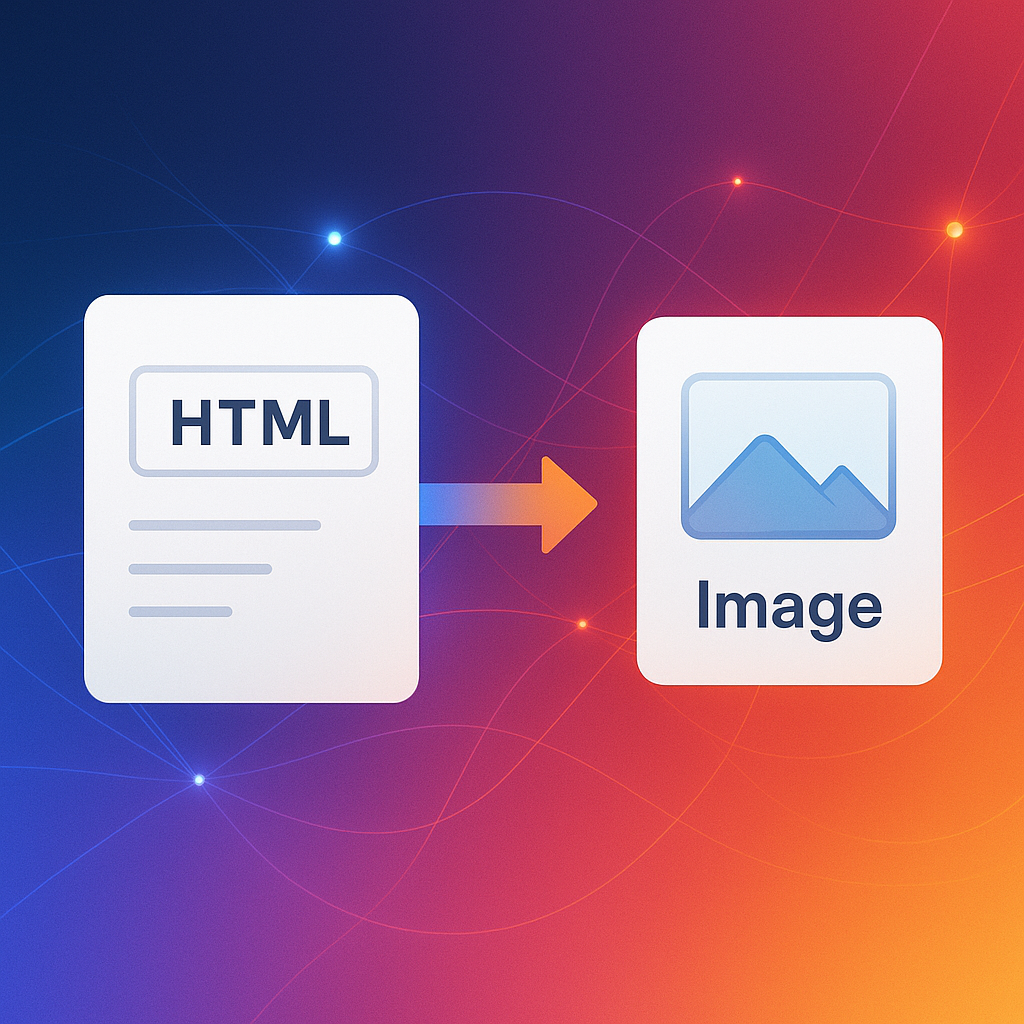
Convert HTML & URLs to JPG
Lightweight, share-ready screenshots in seconds.
Ready to start?
Pick a method and export lightweight JPG in seconds.
URL Screenshot
Convert any URL to JPG or PNG with our advanced screenshot tool
Deliver lightweight JPGs tailored for previews, embeds, and quick sharing.
Deliver lightweight JPGs tailored for previews, embeds, and quick sharing.
Ready to start?
Lightning Fast
Paste HTML, upload HTML+CSS bundles, or drop MHTML for pixel-accurate HTML to JPG and MHTML to JPG.
Optimized Size
Mobile, tablet, laptop, and desktop presets, plus custom width/height to match your breakpoints.
Fast JPG Output
Capture full pages or paginate long documents, then download each JPG page individually.
Related Searches
Deliver lightweight JPGs tailored for previews, embeds, and quick sharing.
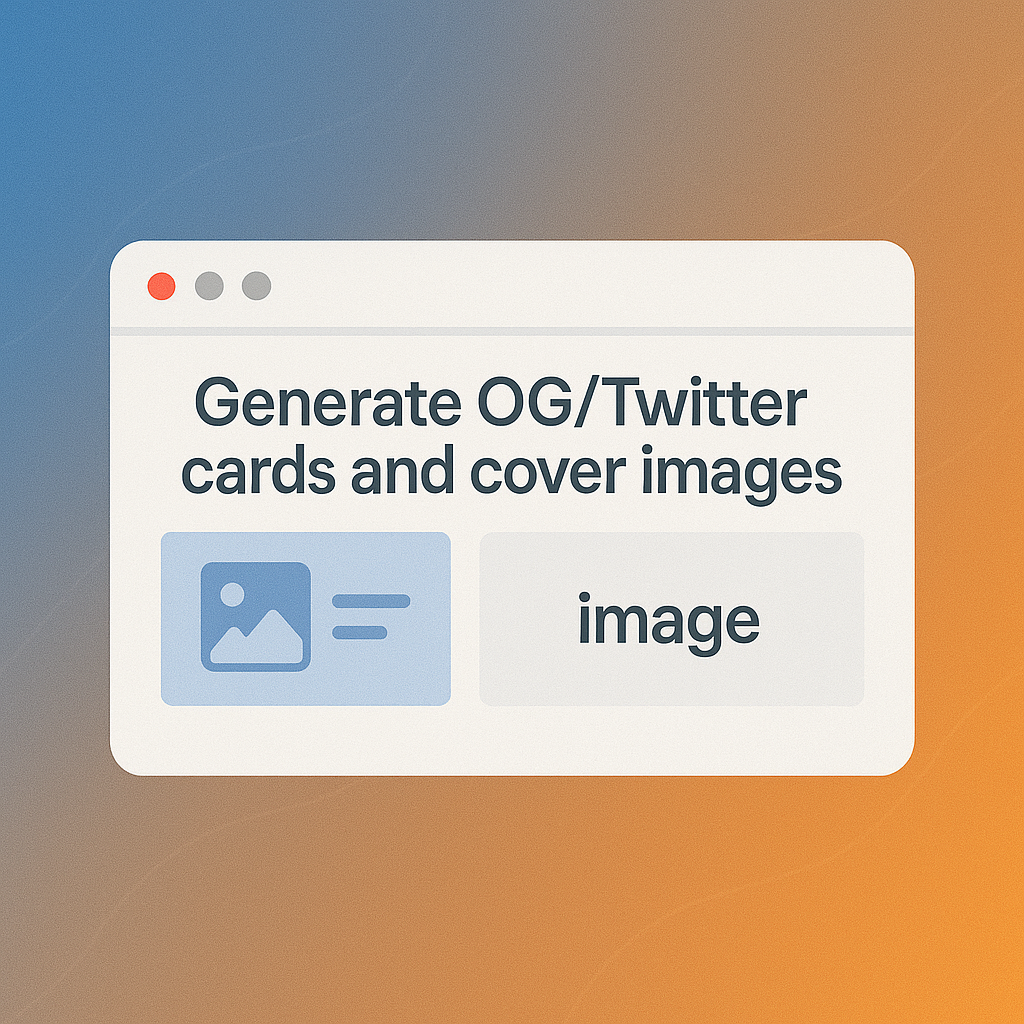
Social & SEO Thumbnails
Generate OG/Twitter cards and cover images as compact JPG.
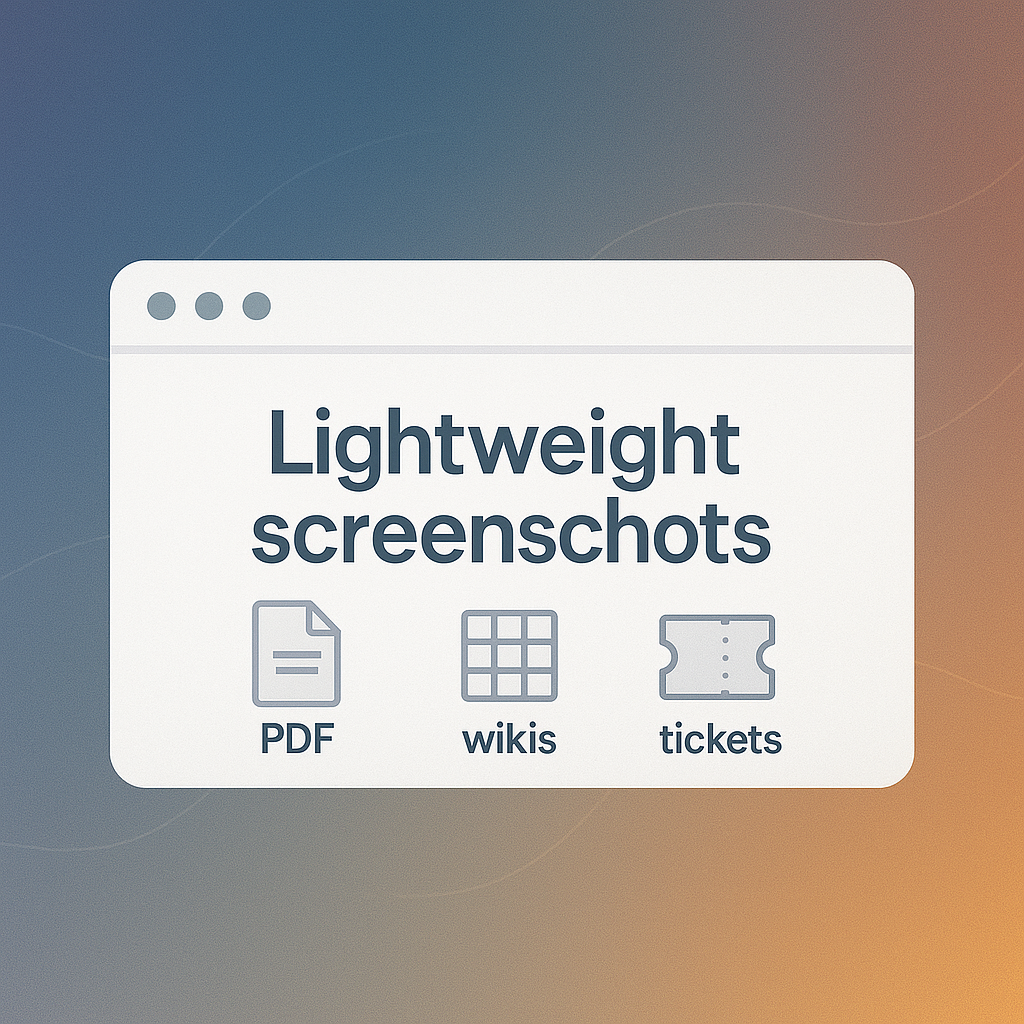
Reports & Documentation
Lightweight screenshots for PDFs, wikis, and tickets.
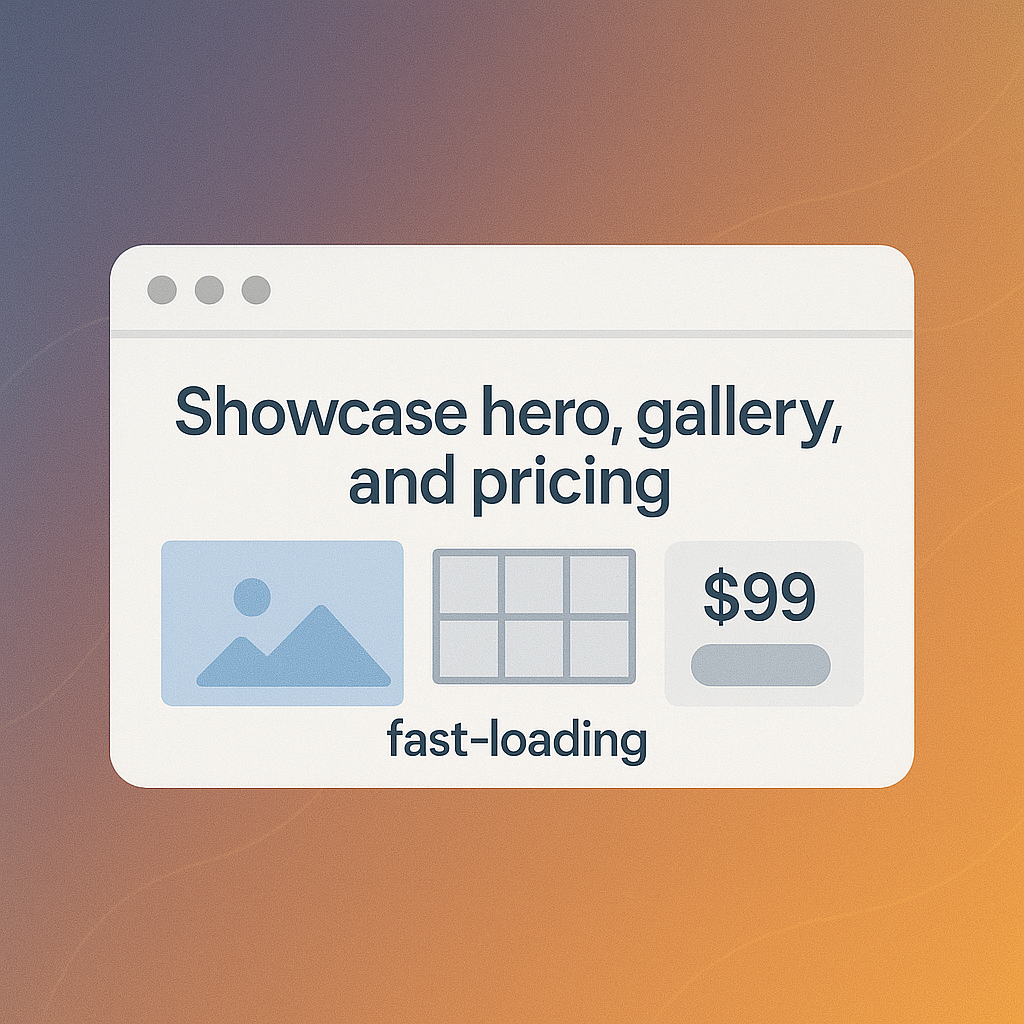
Product & Landing Pages
Showcase hero, gallery, and pricing as fast-loading JPG.
Why Choose Our Converter?
JPG-first features for fast, consistent captures.
HTML/MHTML Fidelity
Paste HTML, upload HTML+CSS bundles, or drop MHTML for pixel-accurate HTML to JPG and MHTML to JPG.
Responsive Viewports
Mobile, tablet, laptop, and desktop presets, plus custom width/height to match your breakpoints.
Full-Page & Paginated JPG
Capture full pages or paginate long documents, then download each JPG page individually.
Quality Control & Automation
Tune JPG quality/size, use hide/wait selectors for clean renders, and run everything via API for batches.
Before
Paste HTML, upload HTML+CSS bundles, or drop MHTML for pixel-accurate HTML to JPG and MHTML to JPG.
After
Mobile, tablet, laptop, and desktop presets, plus custom width/height to match your breakpoints.
Before
Capture full pages or paginate long documents, then download each JPG page individually.
After
Tune JPG quality/size, use hide/wait selectors for clean renders, and run everything via API for batches.
Related Searches
JPG-first features for fast, consistent captures.
Fast JPG Output
Optimized Size
Global Ready
Use Cases
Real scenarios for teams
Social & SEO Thumbnails
Generate OG/Twitter cards and cover images as compact JPG.
Reports & Documentation
Lightweight screenshots for PDFs, wikis, and tickets.
Product & Landing Pages
Showcase hero, gallery, and pricing as fast-loading JPG.
Automation & Archives
API-friendly JPG captures for monitoring and backups.
How It Works
Step-by-step
Input URL/HTML
Paste a link or HTML/CSS code.
Preview & Options
Select viewport, JPG quality, and elements to hide.
Convert & Review
Render the page and verify the share-ready preview.
Download JPG
Export optimized JPG or run batches via API.
FAQ
Common questions